What's free?
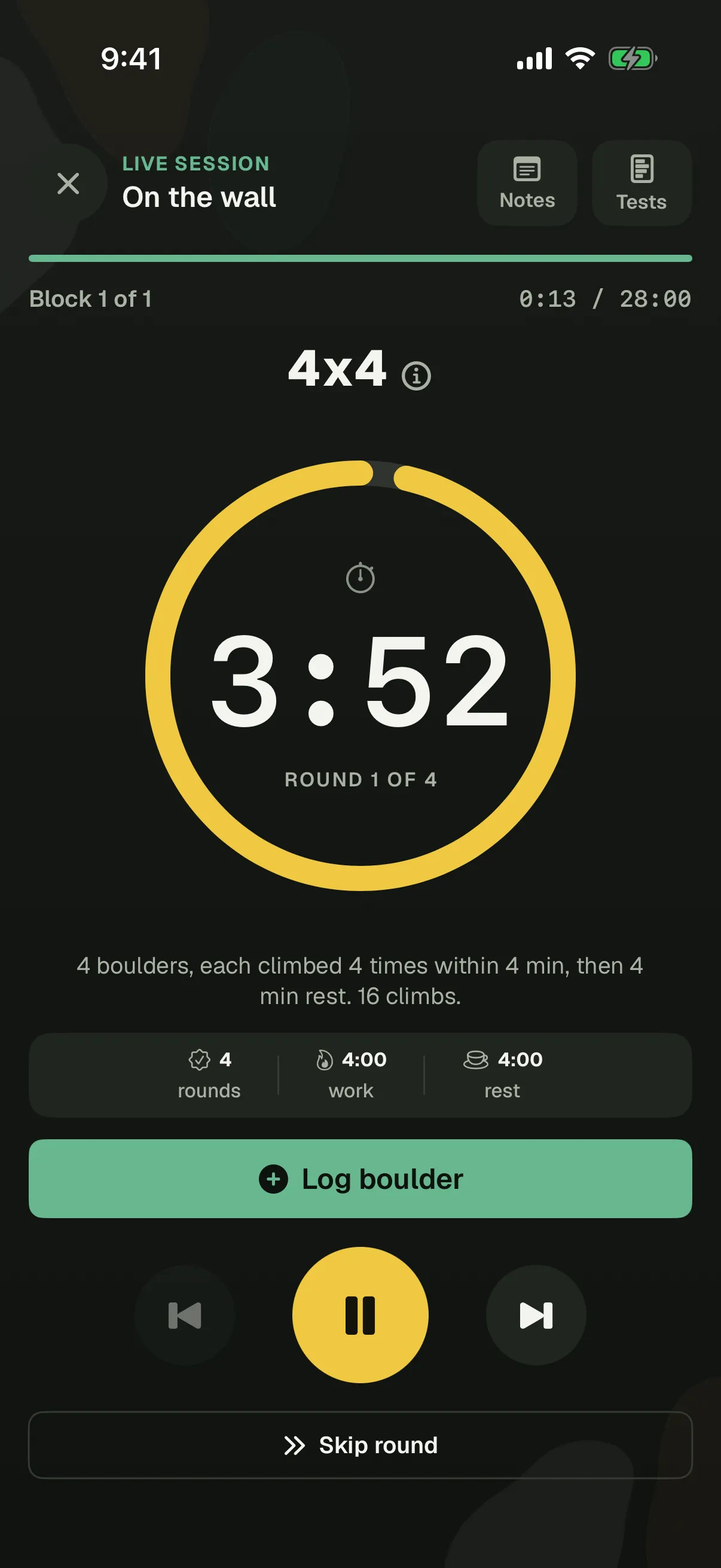
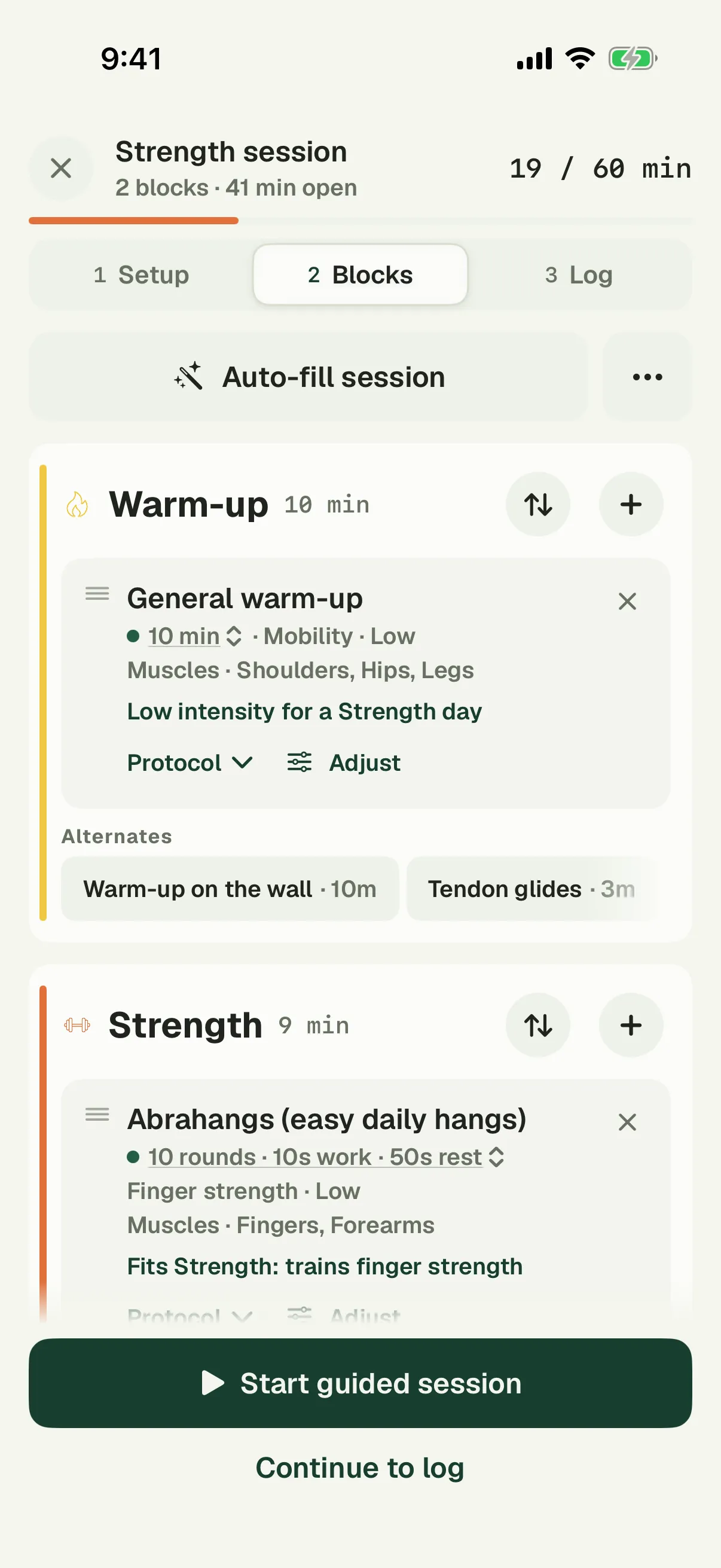
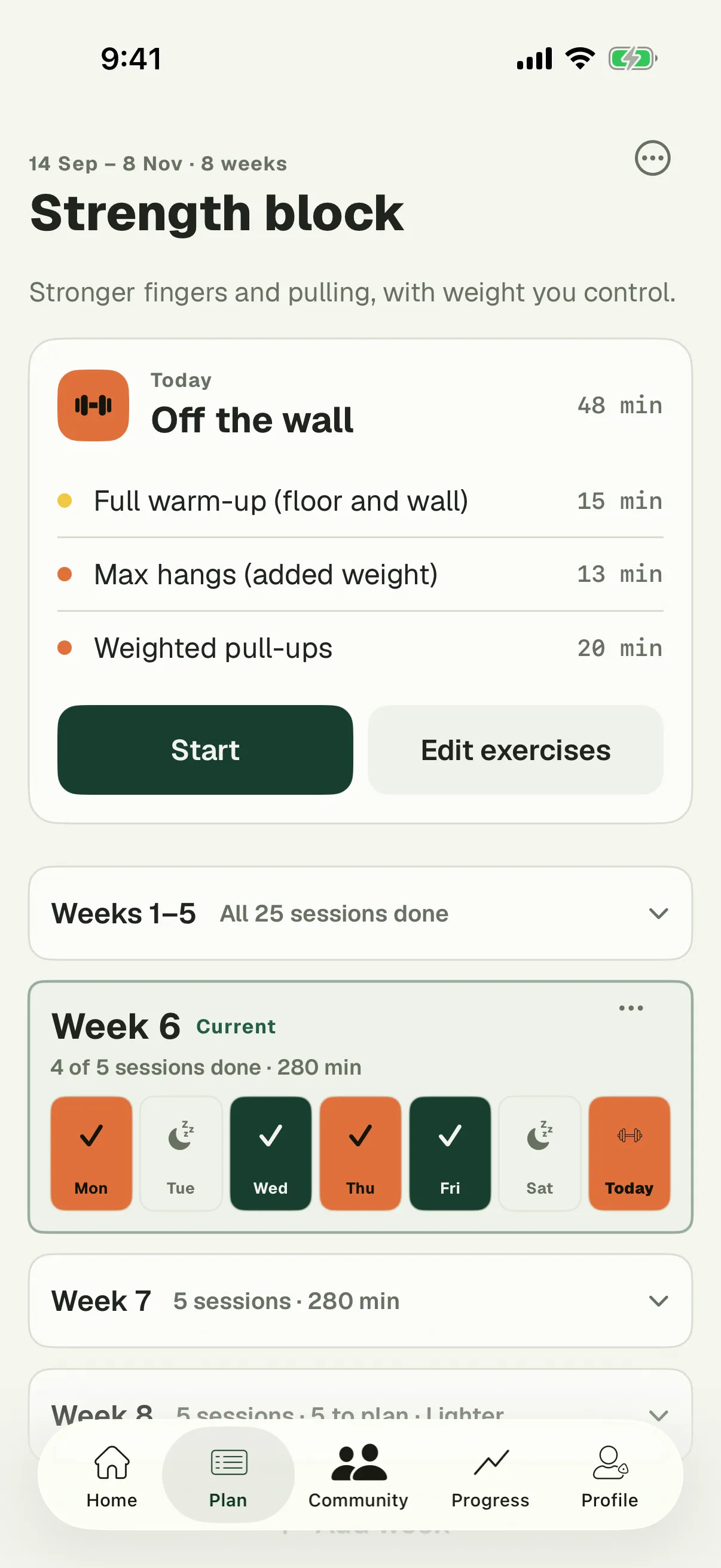
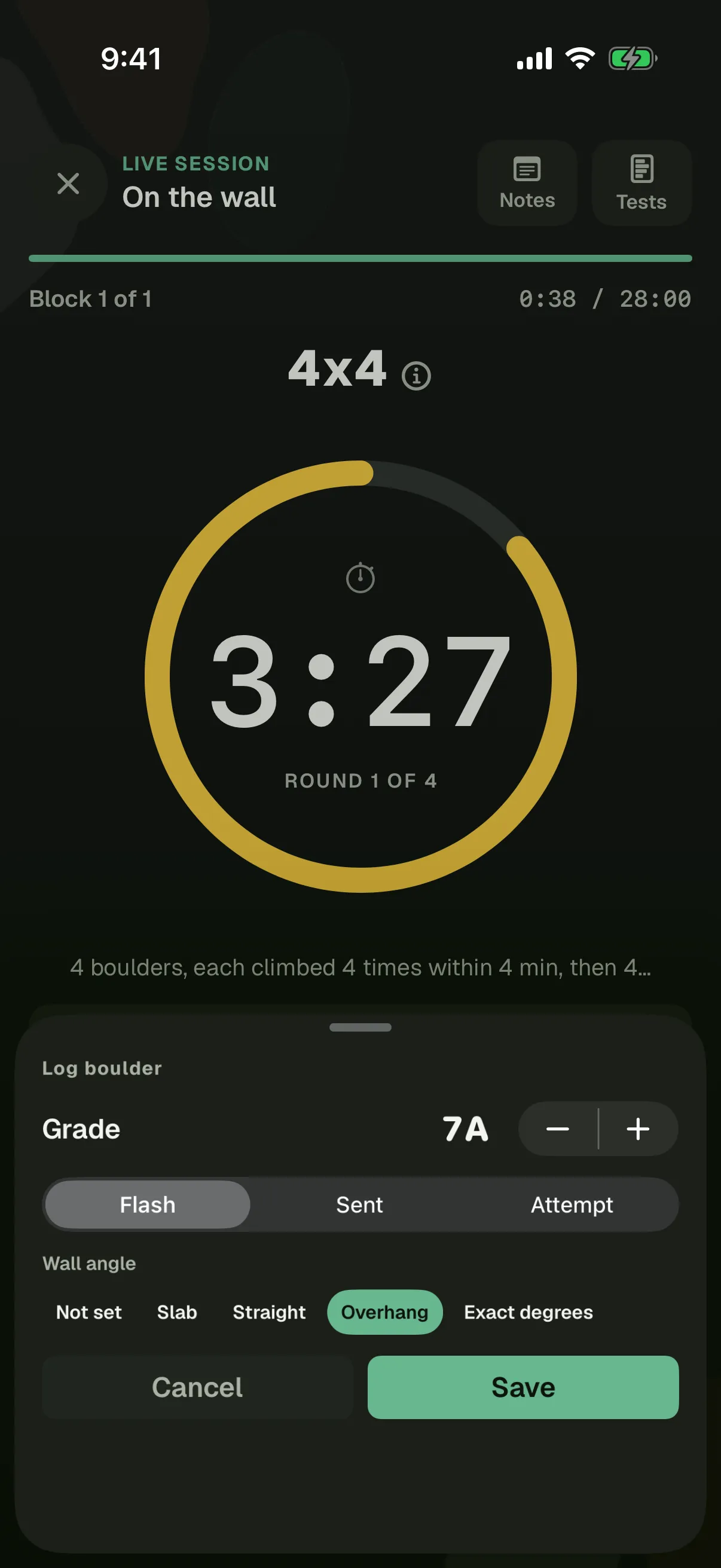
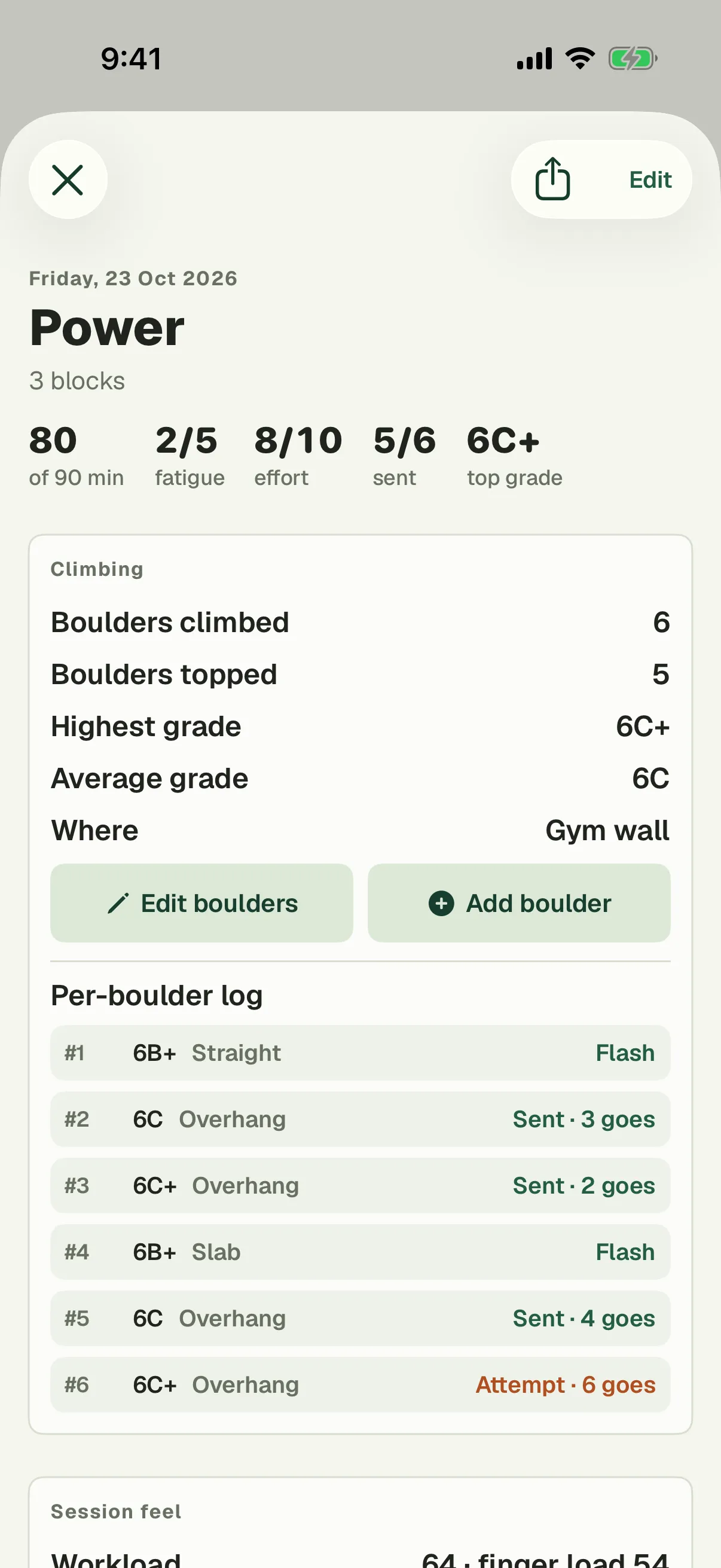
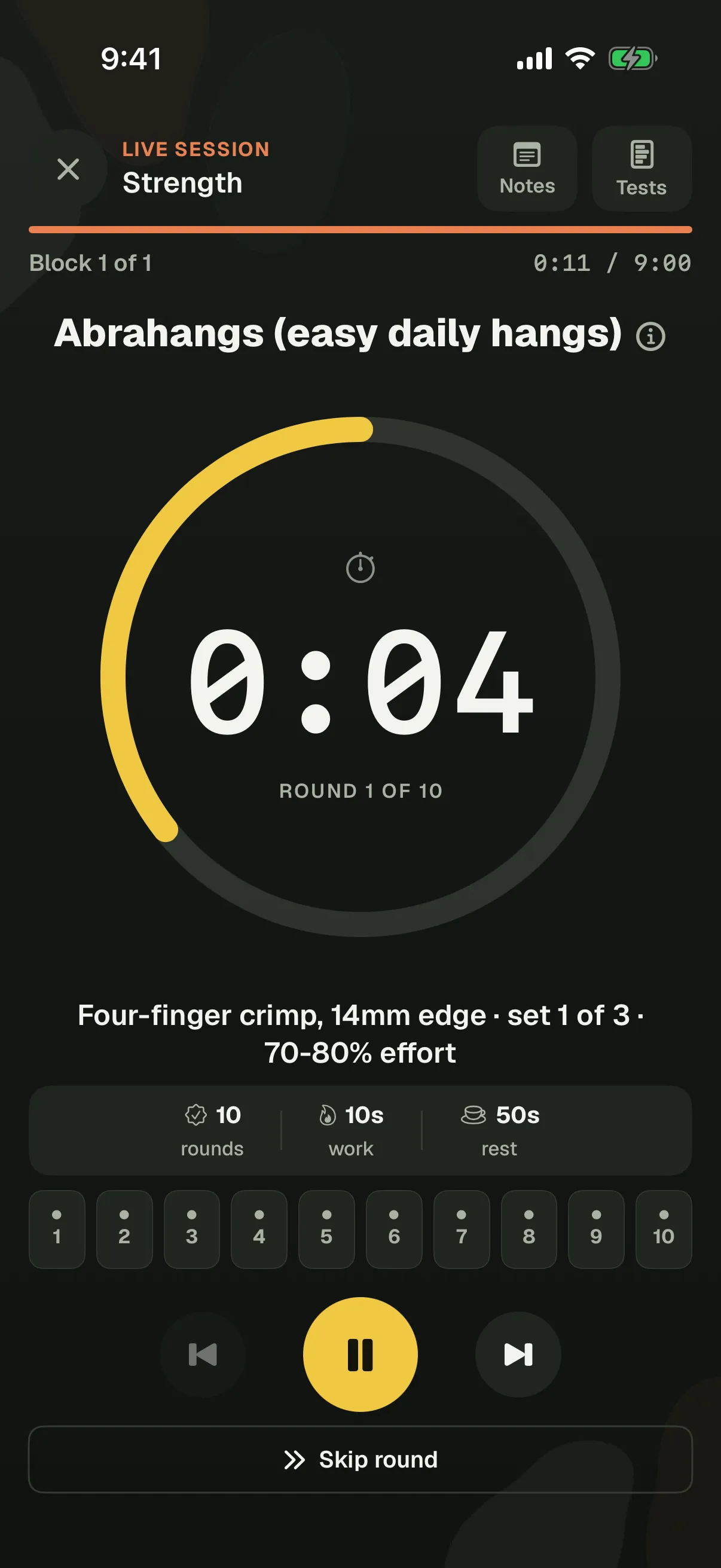
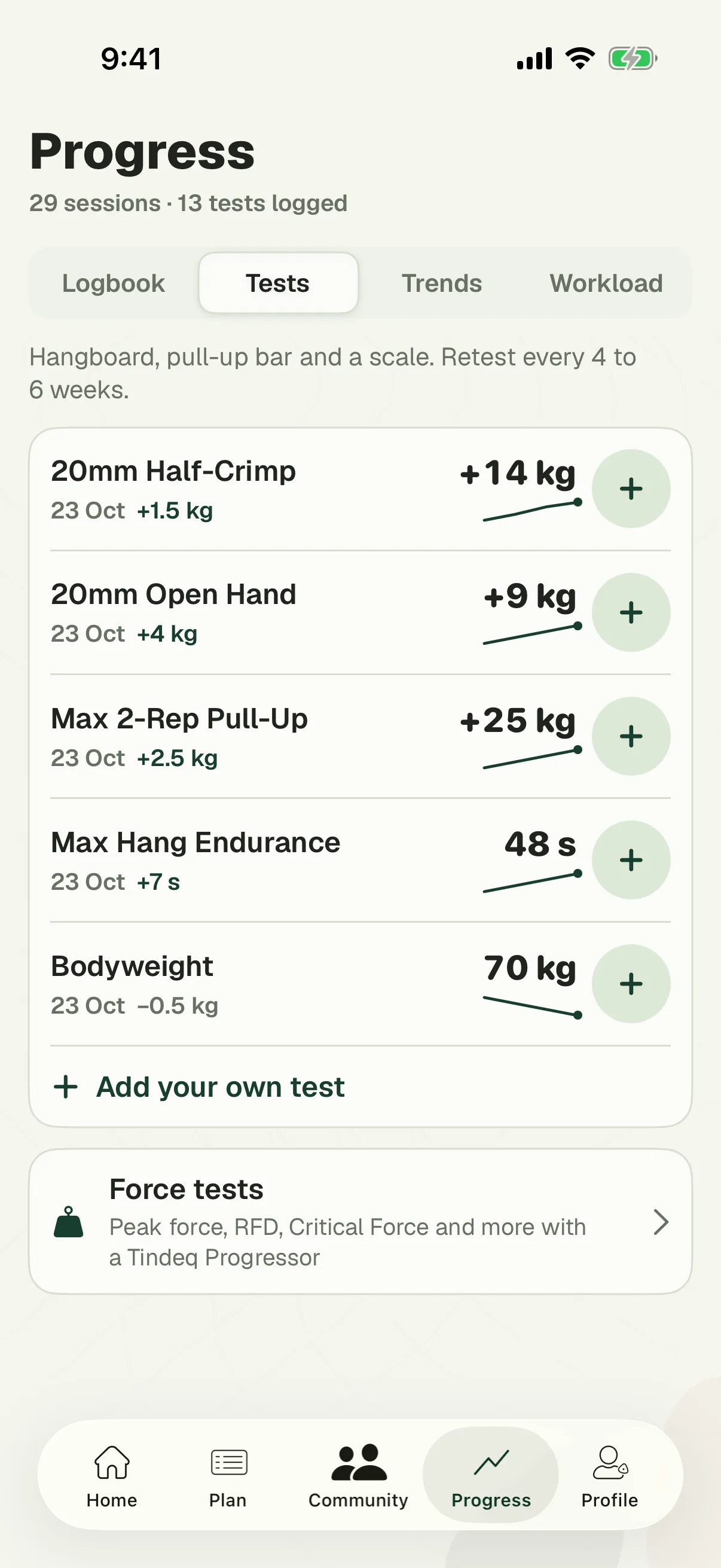
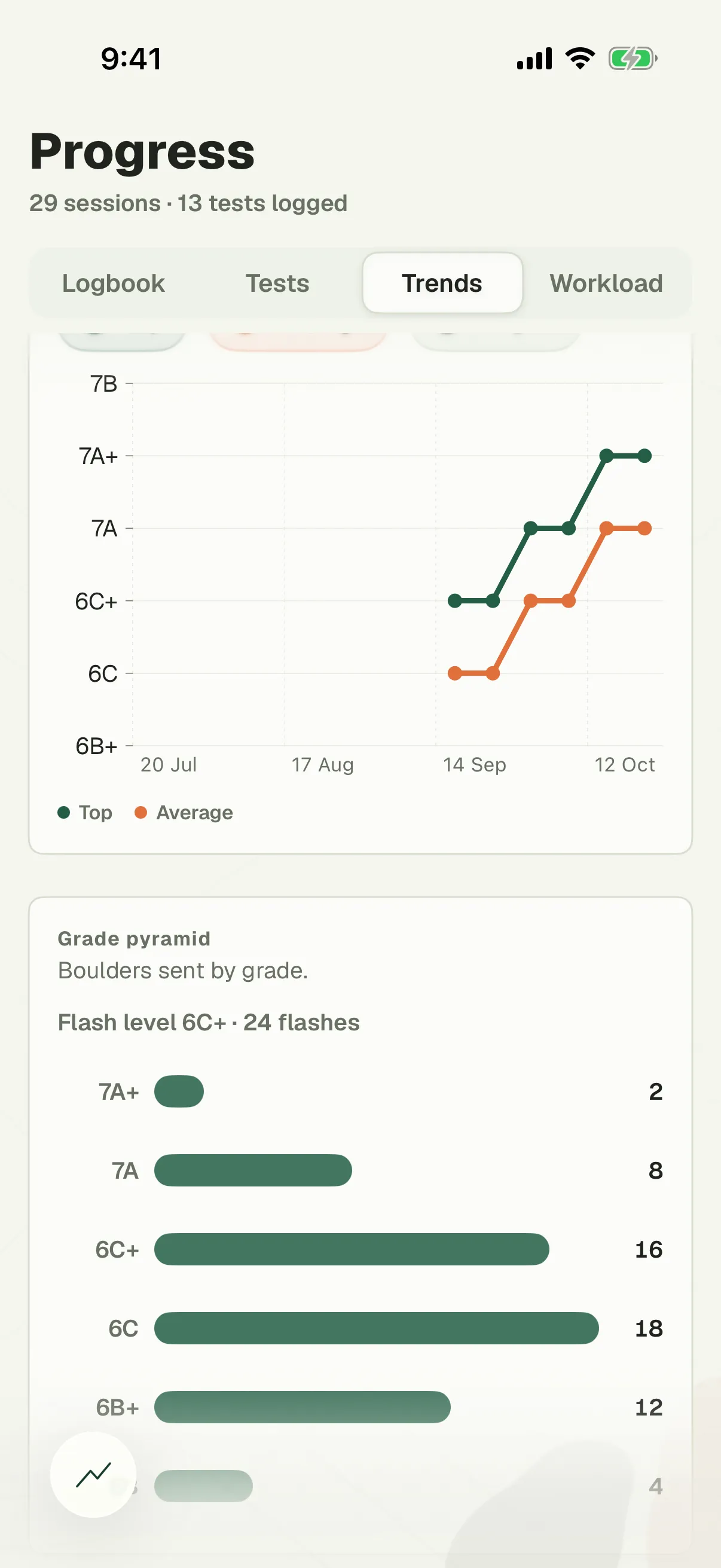
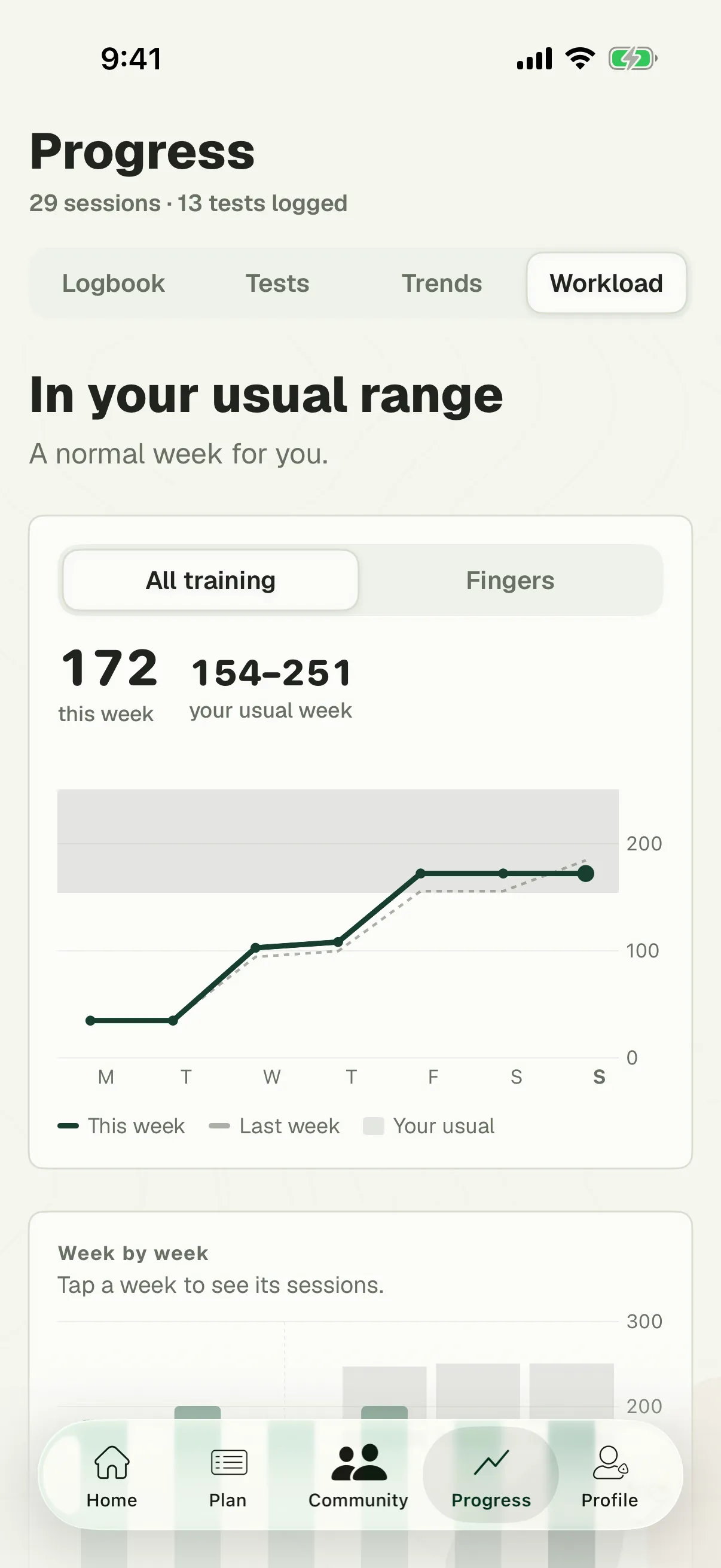
The training information: every exercise, the planner in the app and on this site, your logbook, tests and trends, and the plan from the seven questions. Pro pays for the guided timer, the plan generator and Workload, and the timer's free for your first week in the app.
Who is it for?
Boulderers who want to train on purpose, from their first year on. The quiz asks how long you've climbed and whether anything hurts, and leaves the high-risk exercises out when it should. Every exercise shows its injury risk, and the ones that need a year or two of climbing first say so. Skip it if you'd rather someone else decided every session.
What if I've only got an hour?
Then the plan fits an hour. The questions ask how often you get to the gym, from twice a week to four times or more, and how long a session is, from 45 minutes to three hours, and every session is built to that time. Change a day or a session later and it still tells you how long it takes.
Does it coach me?
No. There's no AI coach and no video analysis. The seven questions build your first plan from training rules a coach wrote, and it only changes when you change it. Pro's generator drafts the next block from your goal, schedule and time budget, and you edit it from there. If you can afford a coach, get one. Coaches can use the coach area at bloksessions.com/coaches: they write your plan, it shows up in your app session by session, and they see how your training went.
Do I need an account?
Yes, a free one. In the app it doesn't upload your training: that stays on your phone until you switch on backup, which is what lets your log survive a new phone. Plans you make in the browser planner are saved to your account, so they're on our EU server.
Android, or the web?
The app is on iPhone, and the Android app is in review at Google. The planner on this website works in any browser, on Android, Windows or a Mac, with the same account, and plans you change there are in the app the next time you open it.
How do I cancel Pro?
Bought in the app, a subscription is managed by Apple, in your Apple ID settings. Bought on this website, cancel it in the planner under Account → Cancel Pro, or with the link in your purchase email. The one-time purchase never renews, so there's nothing to cancel.